

Stacks List
The Stacks page displays all known stacks across multiple repositories. Each stack highlights its essential metadata. You can sort the list—by default, stacks are arranged by the time of their last update—and use filters to narrow results by repository or status. Additionally, you can search for stacks by entering a search string in the name or path. Clicking on any stack opens its Stack Details page.
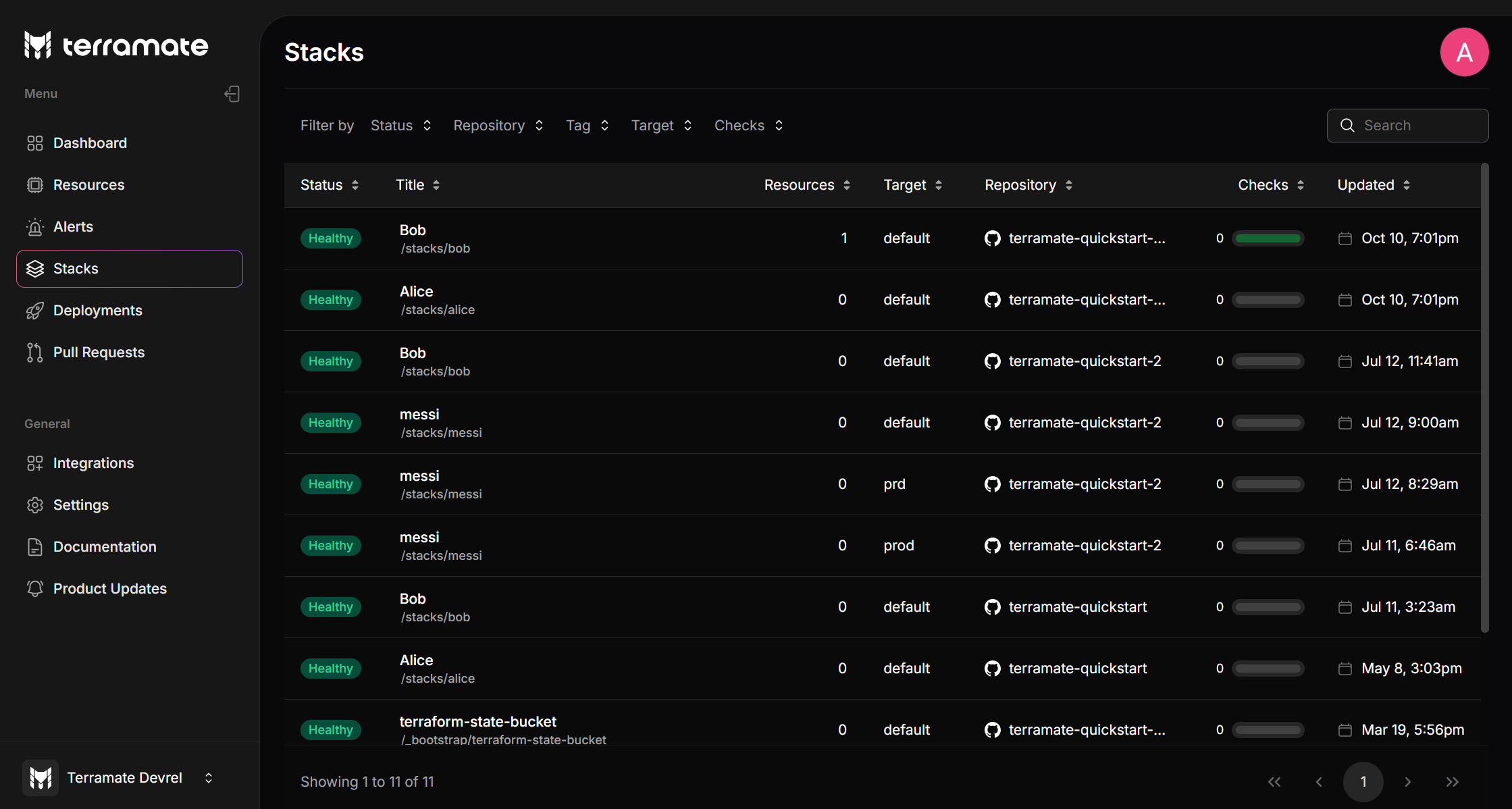
Filter Options:
- Status: Filter stacks by their current state:
- Repository: Filter stacks by the repository that contains them.
- Tag: Filter stacks by their tags
- Target: Filter stacks by the target environment where they are deployed.
- Checks: Filter stacks by the result of policy checks executed against them.